SwipeAchieve
Questions, answered
The short answers
- What is SwipeAchieve?
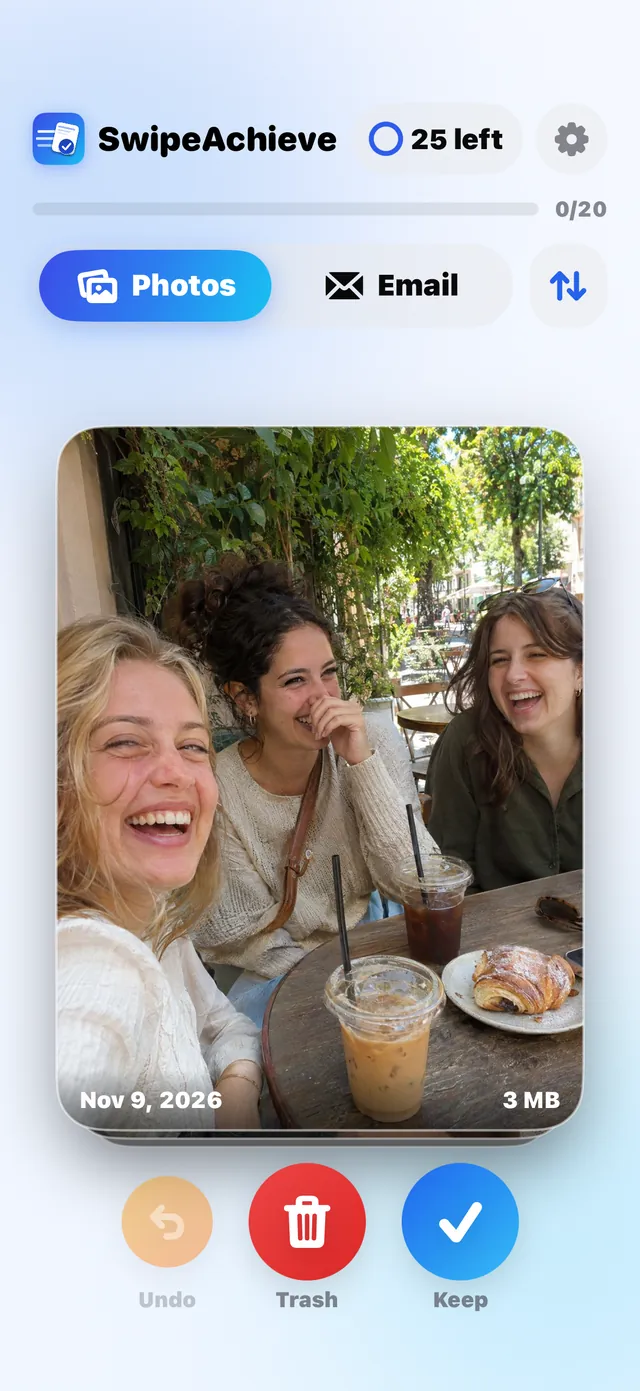
- SwipeAchieve is an iPhone app that cleans your photos, videos and email by swiping. Swipe left to delete, swipe right to keep, and undo any swipe.
- How does it work?
- Allow access to your photos, then swipe through them one card at a time. Nothing is deleted until you confirm in the iPhone system prompt, and deleted items stay in Recently Deleted for 30 days.
- Does it upload my photos?
- No. Your photos and videos are processed on your iPhone and never leave it. Email mode talks only to your own email provider.
- How much does it cost?
- Free with 25 swipes a day. Pro removes the limit, with a 3-day free trial and then $2.99 per week or $29.99 per year.
Is SwipeAchieve free?
Yes. You get 25 free swipes every day. SwipeAchieve Pro removes the limit and adds Sender Sweep and smart sort. It starts with a 3-day free trial, then $2.99 per week or $29.99 per year.
Does swiping left permanently delete my photos?
Not right away. Nothing is deleted until you confirm in the iPhone system prompt, and deleted photos and videos then stay in Recently Deleted for 30 days, so you can still restore them.
Does SwipeAchieve upload my photos?
No. Photos and videos are processed on your iPhone and never uploaded. We never sell your data or use it to train AI models.
Does it work with email?
Yes. Add an email account with IMAP and an app password, then swipe left to move an email to Trash or right to keep it. Your password is stored only in the iPhone Keychain, and mail goes straight between your provider and your iPhone.
What is an app password?
A separate password your email provider creates for one app, so you never share your normal password. You usually turn on two-step verification first, then create one named SwipeAchieve.
Does SwipeAchieve measure my phone storage?
No. iOS does not let apps measure other apps' storage. SwipeAchieve counts the space freed by the photos, videos and emails you clear.
Can I undo a swipe?
Yes. Tap Undo to reverse your last swipes. Nothing is deleted until you confirm, and email you swipe left goes to your Trash folder, where you can also restore it.
How do I cancel my subscription?
Open Settings on your iPhone, tap your name, then Subscriptions, and choose SwipeAchieve. Cancel at least 24 hours before renewal to avoid being charged.
Is there an Android app?
SwipeAchieve is coming to Google Play. The iPhone app is the first release.
Your camera roll is waiting.
Download SwipeAchieve and clear your first 25 items today.