SwipeAchieve
 blog
Guides to freeing up iPhone storage, cleaning your camera roll and keeping your inbox tidy. Posts are in English.
· 4 min read
How to delete photos from iPhone but keep them in iCloud
With iCloud Photos on, deleting on your iPhone deletes everywhere. Here are the three ways to free space on the phone and keep the originals in iCloud or on a computer.
· 4 min read
How to clean up your camera roll on iPhone (without losing anything you love)
A simple order for cleaning a messy iPhone camera roll: videos first, then screenshots and duplicates, then a swipe through the rest. Plus three rules that keep it clean.
· 2 min read
How to clear Recently Deleted on iPhone and get the space back
Deleted photos still use storage for 30 days. Here is how to empty the Recently Deleted album on iPhone, step by step, and when it is better to wait.
· 2 min read
How to create an app password for iCloud Mail, Yahoo Mail and Gmail
Step-by-step: create an app password for iCloud Mail, Yahoo Mail or Gmail, what each provider requires, and how to use it to clean your inbox with SwipeAchieve.
· 6 min read
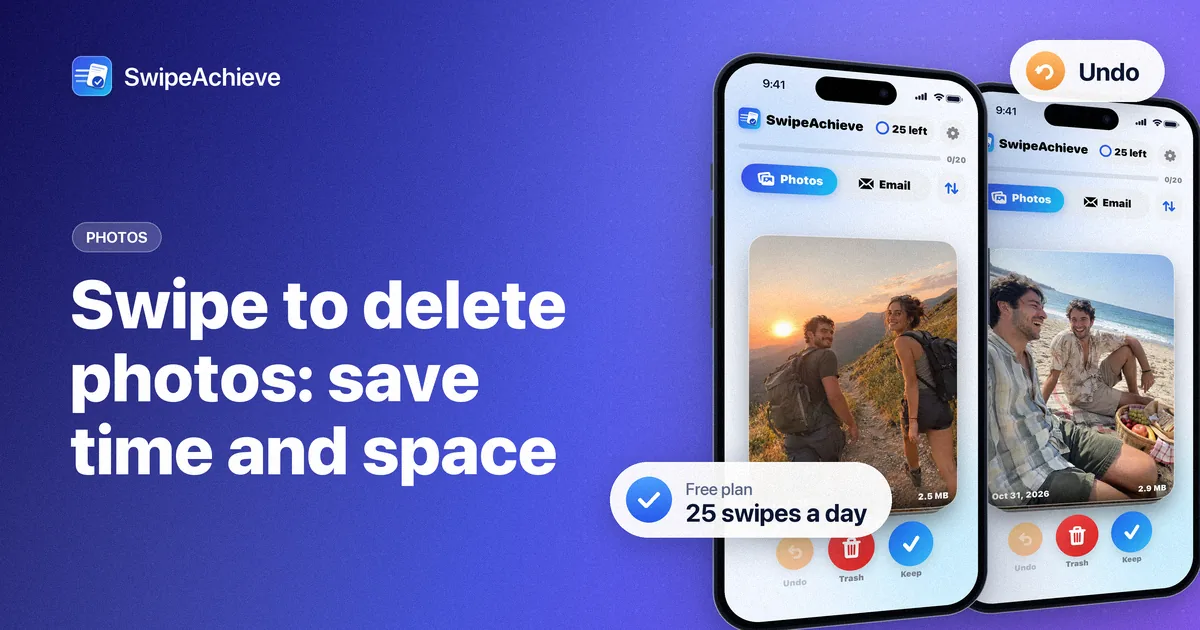
Swipe to delete photos app: how much time and storage you can save
Honest math for a swipe-to-delete photos app: how long 500 photos take at one decision every 1-2 seconds, and how much space typical photos and videos use.
· 5 min read
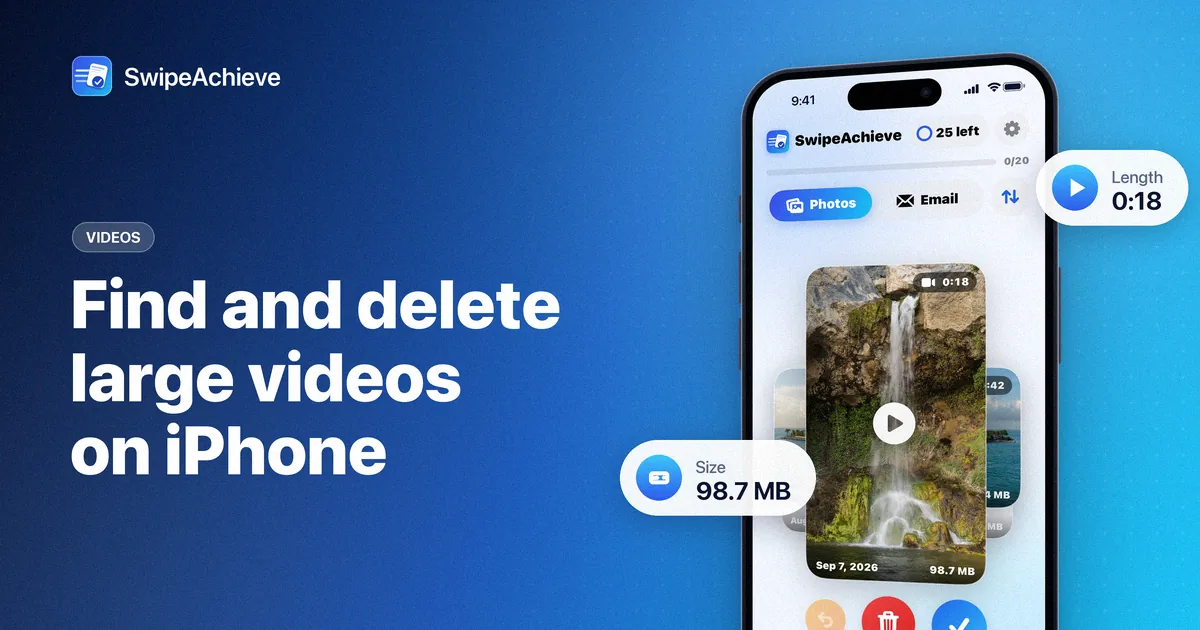
How to find and delete large videos on iPhone
Find the videos taking the most space on your iPhone: the built-in Photos steps, where to check video sizes, and how to sort by biggest first in SwipeAchieve.
· 5 min read
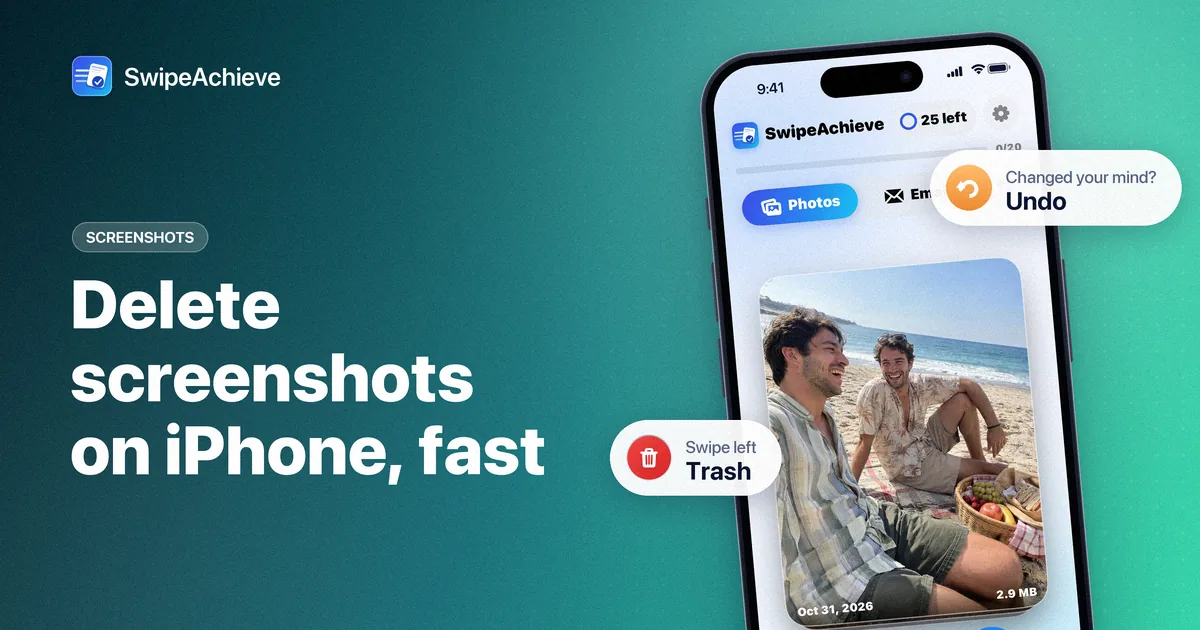
How to delete screenshots on iPhone fast
Screenshots pile up fast on iPhone. Find them all in the Photos app, delete them in batches, stop new ones piling up, and swipe through the rest one by one.
· 5 min read
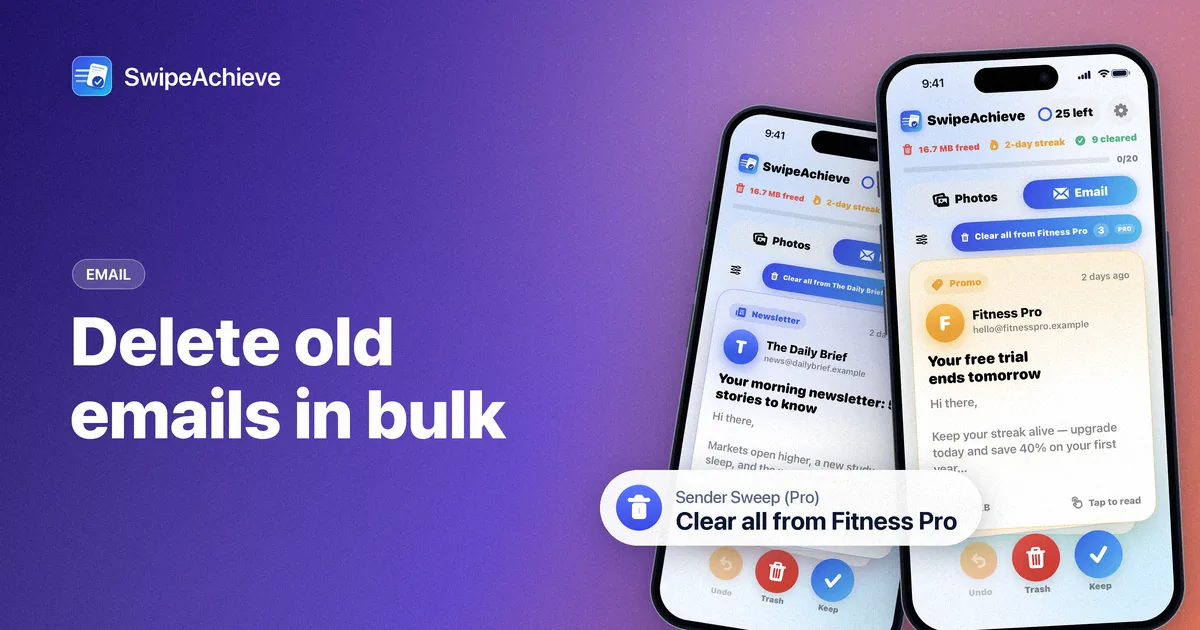
How to delete old emails in bulk on iPhone
Clear years of old email from iCloud Mail, Yahoo Mail, AOL Mail or Gmail with an app password: filter by age, clear noisy senders, and know where trash goes.
· 1 min read
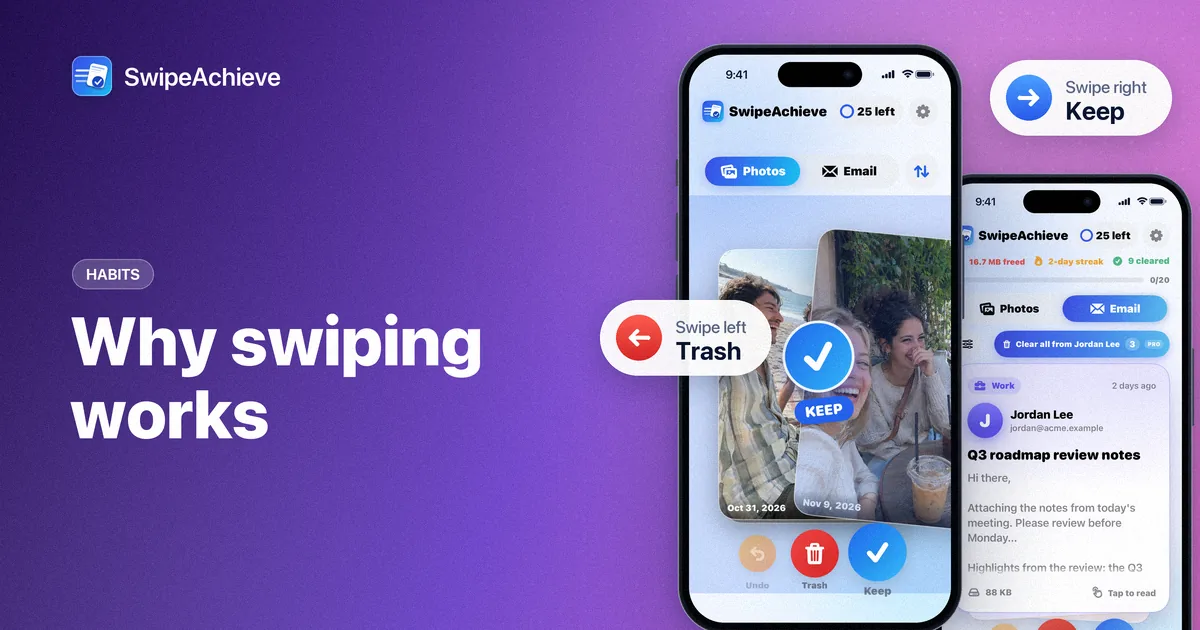
Why swiping works: the psychology of fast decisions
Swipe interfaces turn chores into quick, rewarding choices. Here is why that makes cleaning your phone stick.
· 1 min read
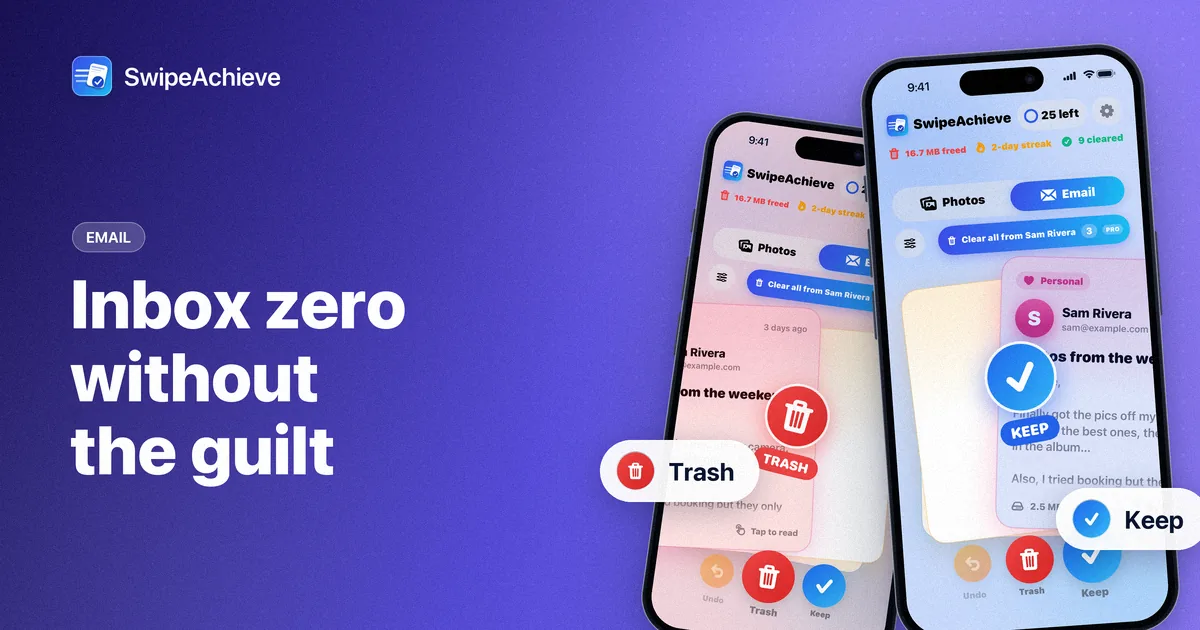
Inbox zero without the guilt
Inbox zero is a process, not a perfect state. A simple four-decision method for busy people, and how to clear a backlog fast.
· 2 min read
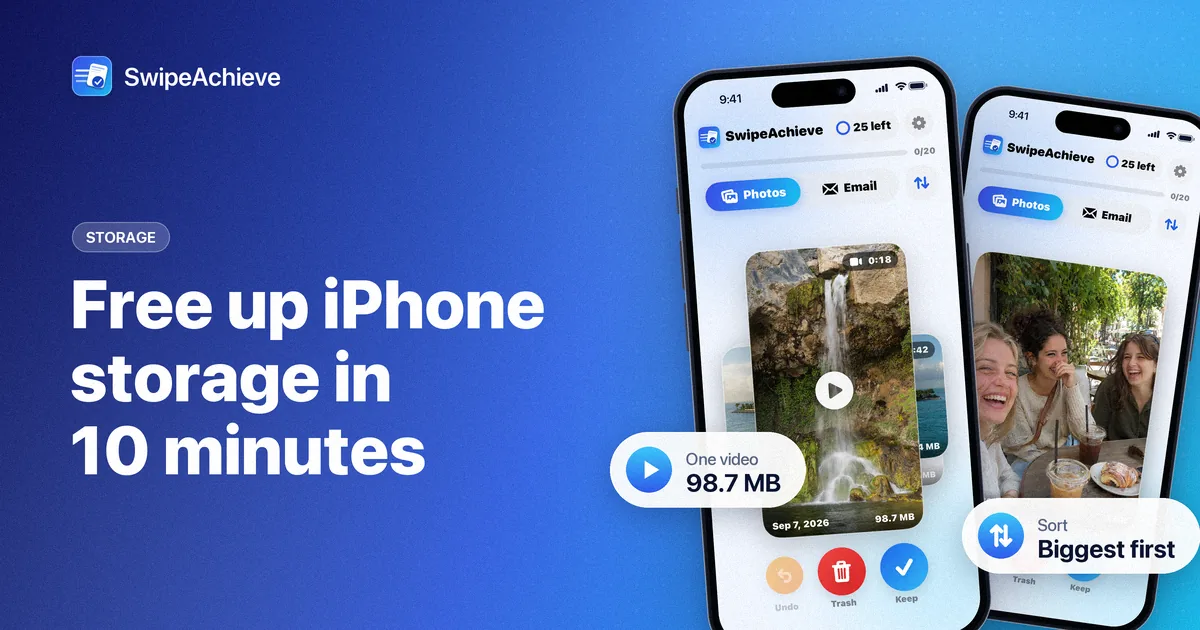
How to free up iPhone storage in 10 minutes
A safe 10-minute routine for a lighter iPhone: sort by size, swipe away the photos and videos you do not need, then let Recently Deleted do its job.