SwipeAchieve
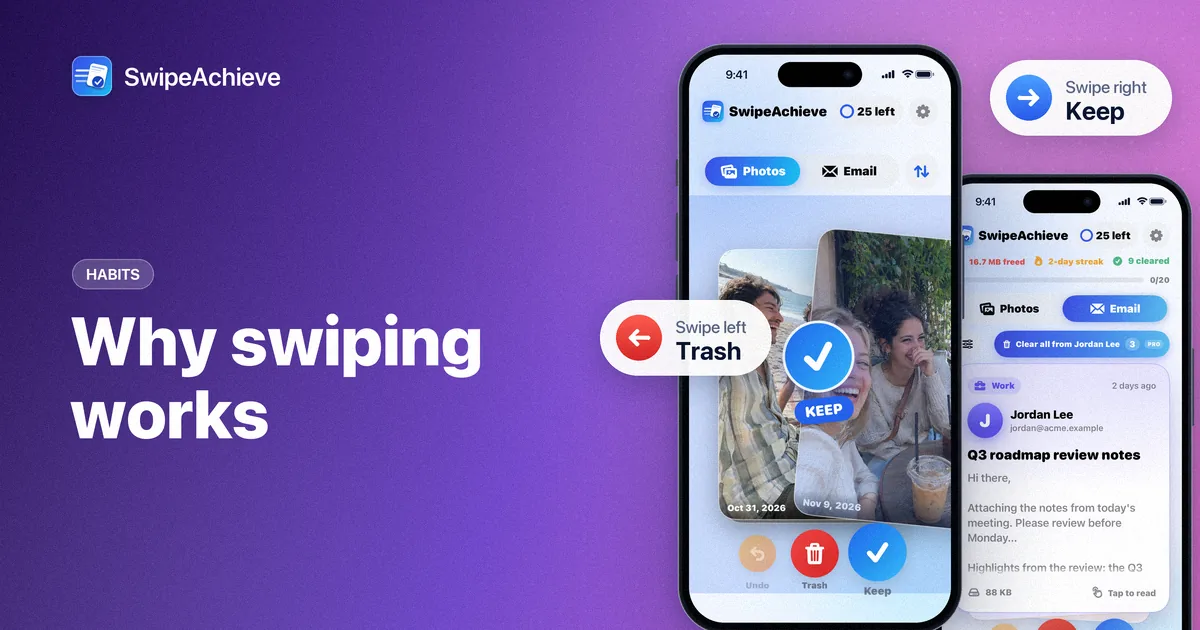
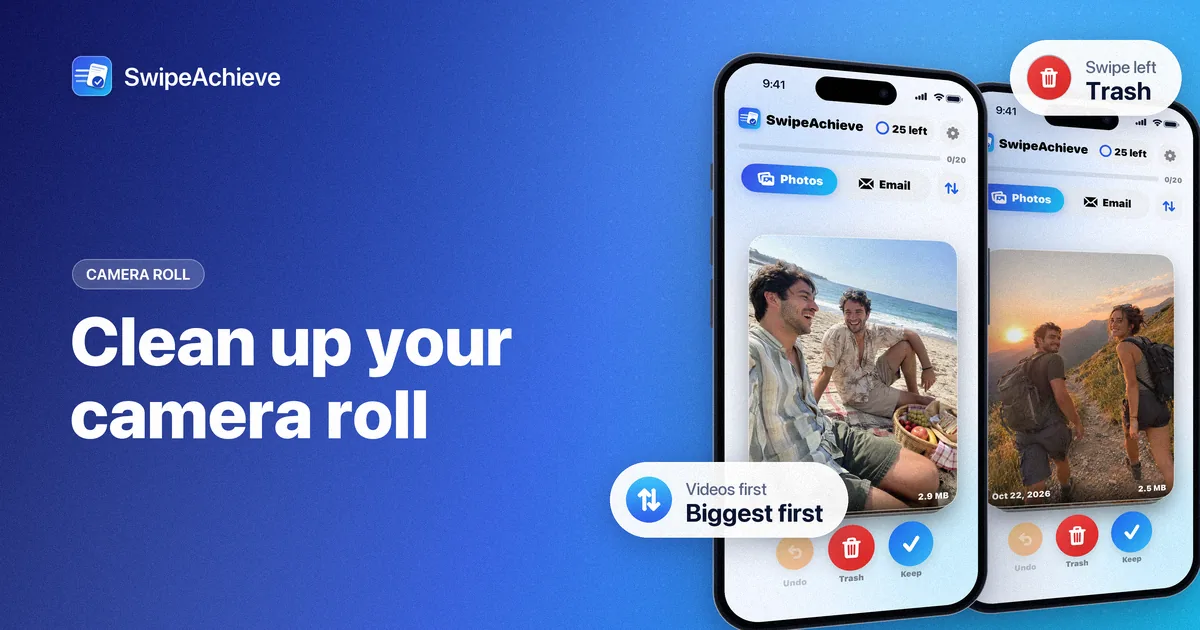
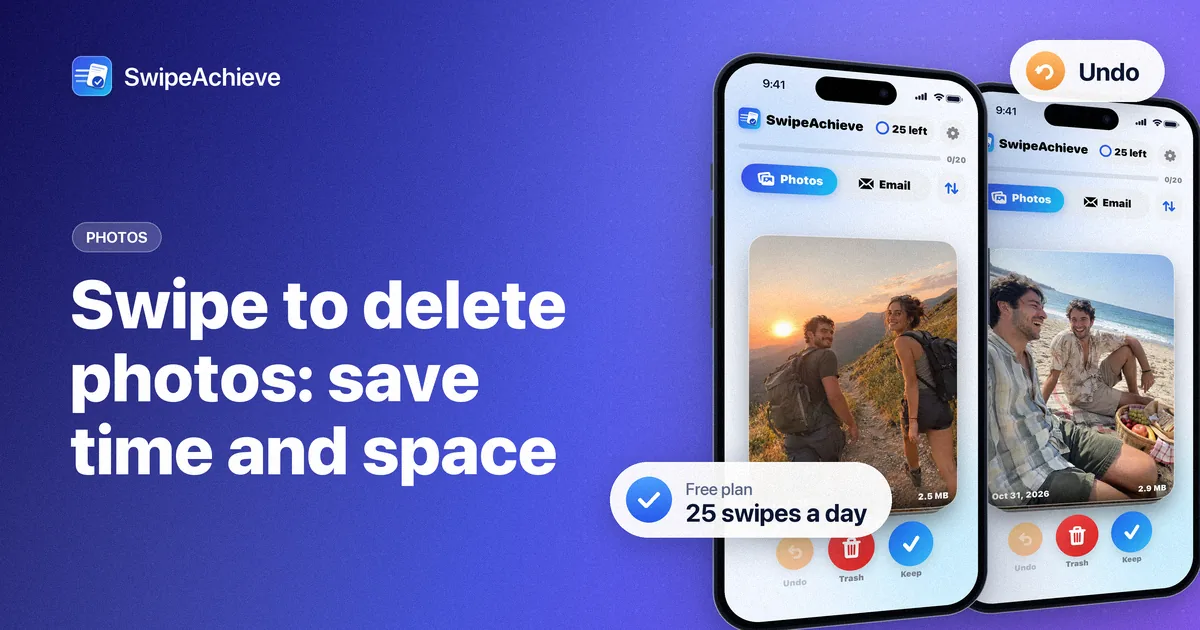
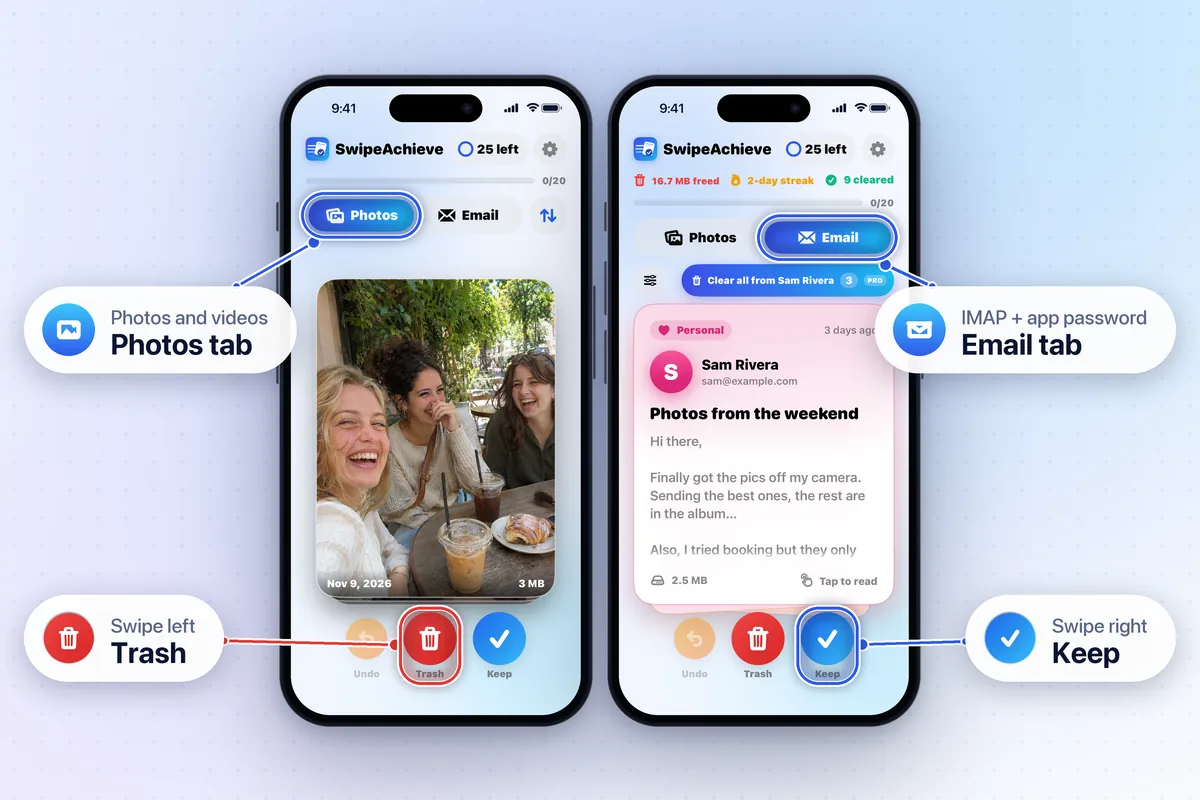
Cleaning a camera roll feels heavy because every photo looks like a decision you have to make carefully. A swipe interface changes the question from “What should I do with this?” to “Do I need this?” Two choices, one gesture.
Less friction, more momentum
Opening, selecting and choosing from a menu takes several steps per photo. A swipe takes one. Lower friction means you actually finish.
Instant feedback
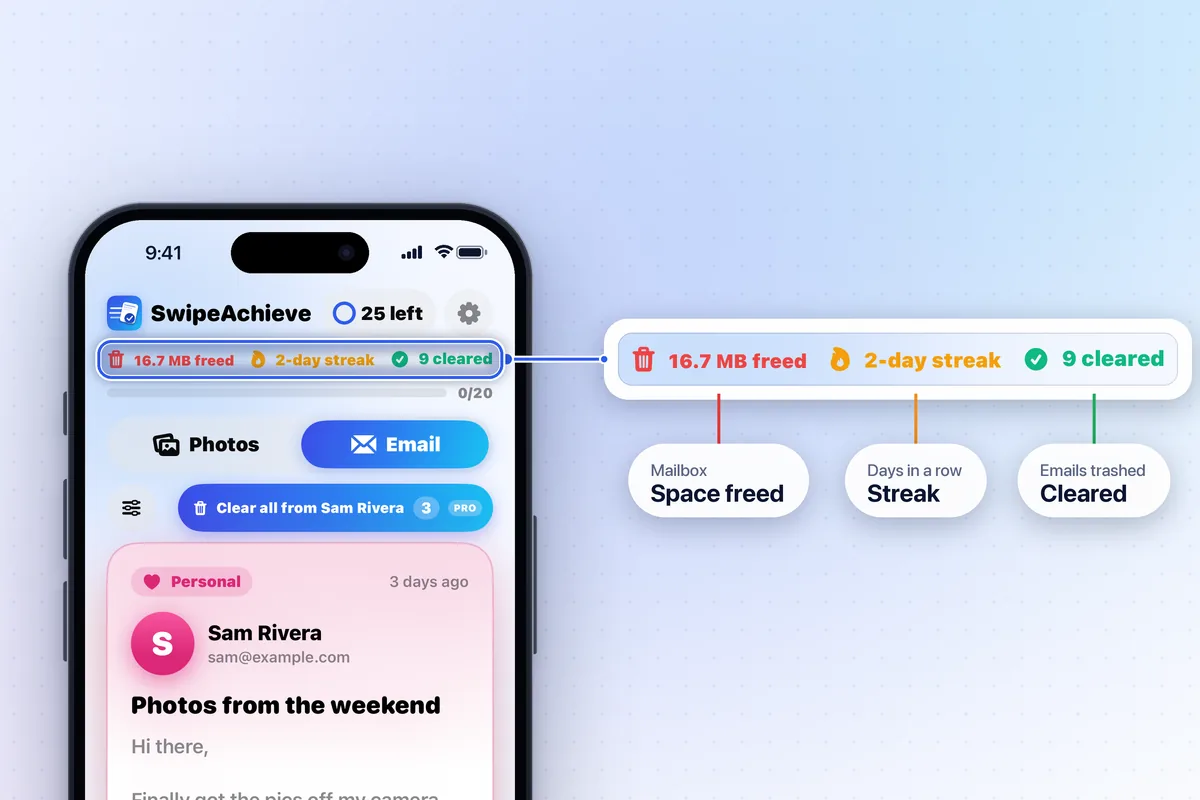
Each swipe gives a tiny reward: the card flies away, the daily progress bar fills and the space you have cleared adds up. A daily streak makes the habit self-reinforcing.
Safe to be bold
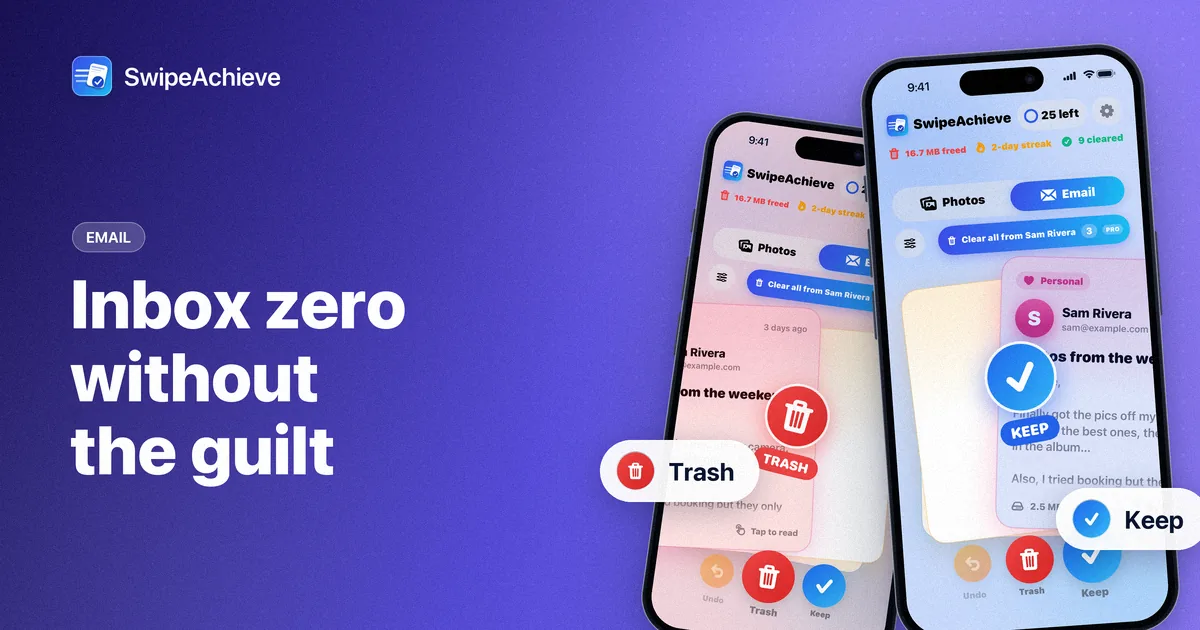
People hesitate to delete because it feels irreversible. Undo, a single confirmation before any photo is deleted, and the 30-day Recently Deleted album remove that fear. Email works the same way: swiped mail goes to your Trash folder, where you can restore it. Decisions get faster when mistakes are cheap.