SwipeAchieve
Inbox zero does not mean you answered everything. It means every message has been decided on. That is a much lower bar, and it is where the calm comes from.
The four decisions
- Delete: it has no future value.
- Do: it takes under two minutes, so do it now.
- Defer: flag it or put it on your calendar for later.
- Keep: it is reference material, so leave or archive it.
Batch, do not drip
Checking mail all day fragments your attention. Pick two or three windows and process everything in one batch. Fast decisions beat perfect ones.
Start with a backlog sprint
If you have thousands of unread emails, do not read them all. Start with the oldest mail, which is the easiest to let go of, then triage what remains. A 15-minute swipe session can clear a surprising amount.
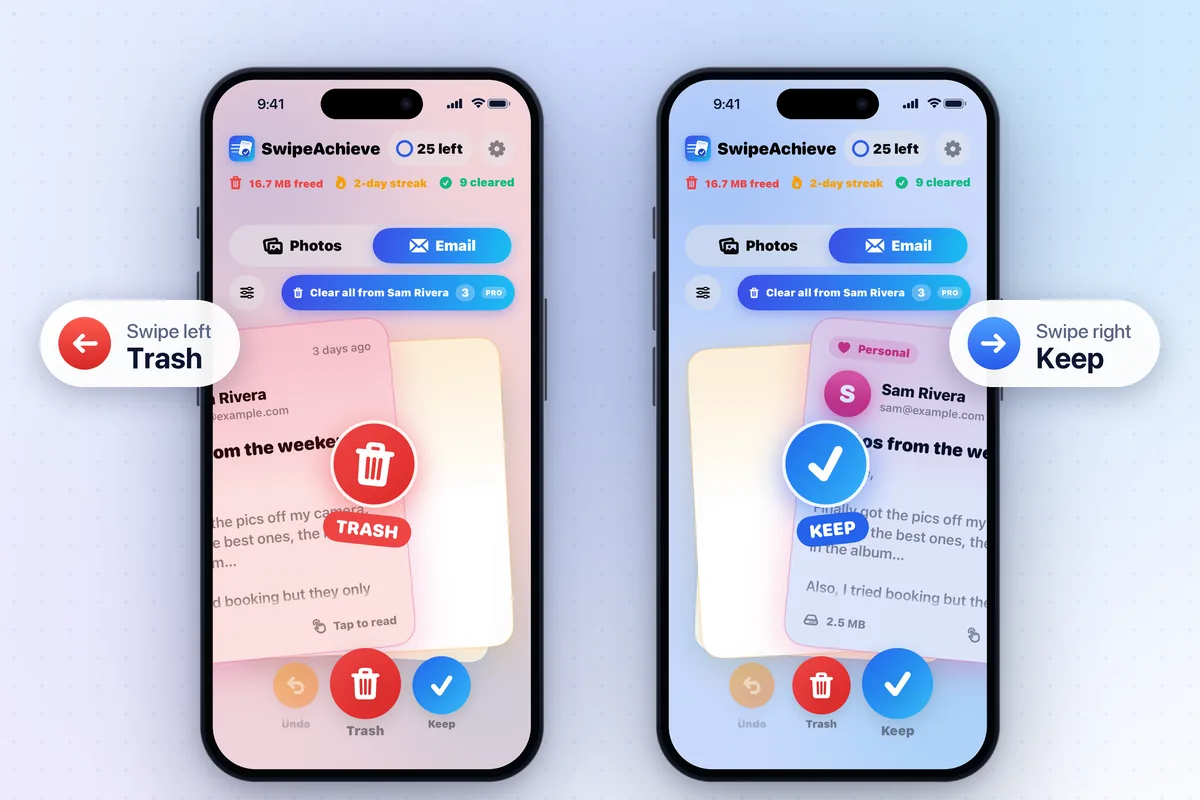
How SwipeAchieve helps
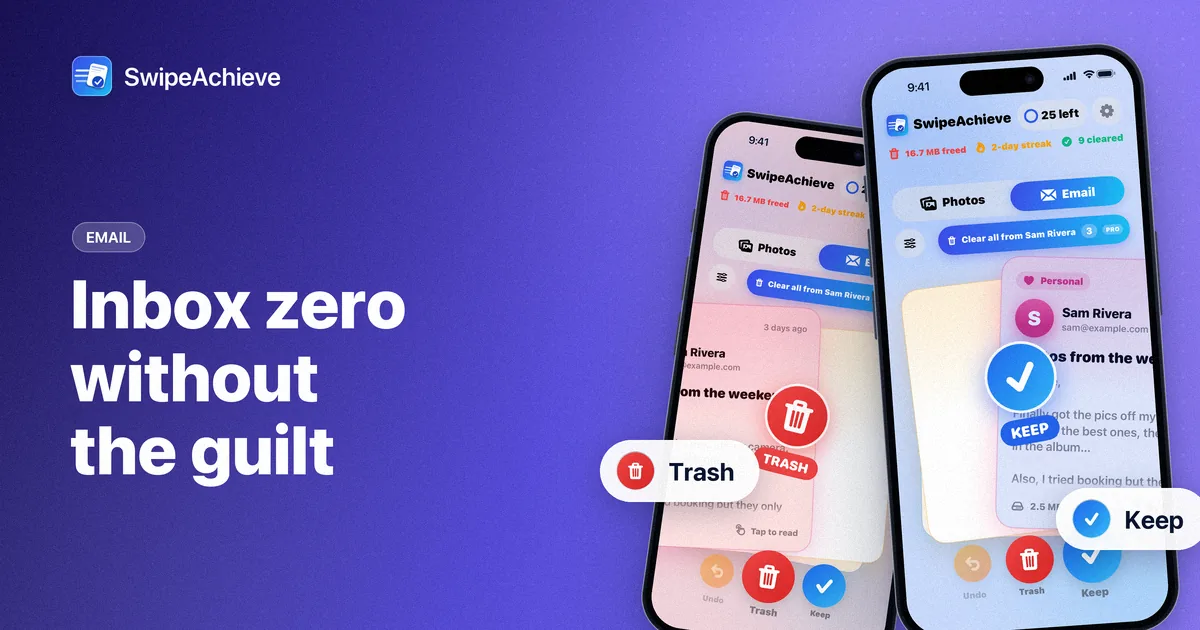
- Add your account with IMAP and an app password, then decide on one email at a time: swipe left to move it to your Trash folder, right to keep it.
- Use the age filter (older than 1 month, 6 months or 1 year) to start with the backlog.
- With SwipeAchieve Pro, Sender Sweep moves every loaded email from one noisy sender to Trash in one tap, and smart sort can show the biggest or oldest emails first.
- Undo reverses your last swipes, and trashed mail can also be restored from the Trash folder in your mail app.
Need an app password first? Follow our guide to creating one for your email provider.